@lisandromaders Lisandro,
congratulations to you and your team on the 2nd place! Excellent!
The simulation also looks great (Find below a quick ‘How to’ for the streamlines in ParaView). Yes, it looks like there appears a recirculation area in front of the pilot head. Another question regarding the design: What’s the reason for the rather large surface behind the pilot’s head? Could this be reduced to further decrease drag?
Thanks for the feedback! It’s great to hear that SimScale is helpful in improving your car design! Agreed - solid mechanics and thermal analyses might be worth a look as well moving forward (I guess you might have seen the simulation workshop on F1 design). My colleague @Milad_Mafi takes care of our Academic Program (sent you his email address already) - he’ll be helpful in enabling your team to use SimScale moving forward!
Looking forward to more awesome simulation visualizations of your team’s car  !
!
Best,
David
Quick Streamline How-to (I right now have an internal flow sim at hand - works the same for external):
- Once you’ve imported the simulation result into ParaView, you do see the whole computational domain
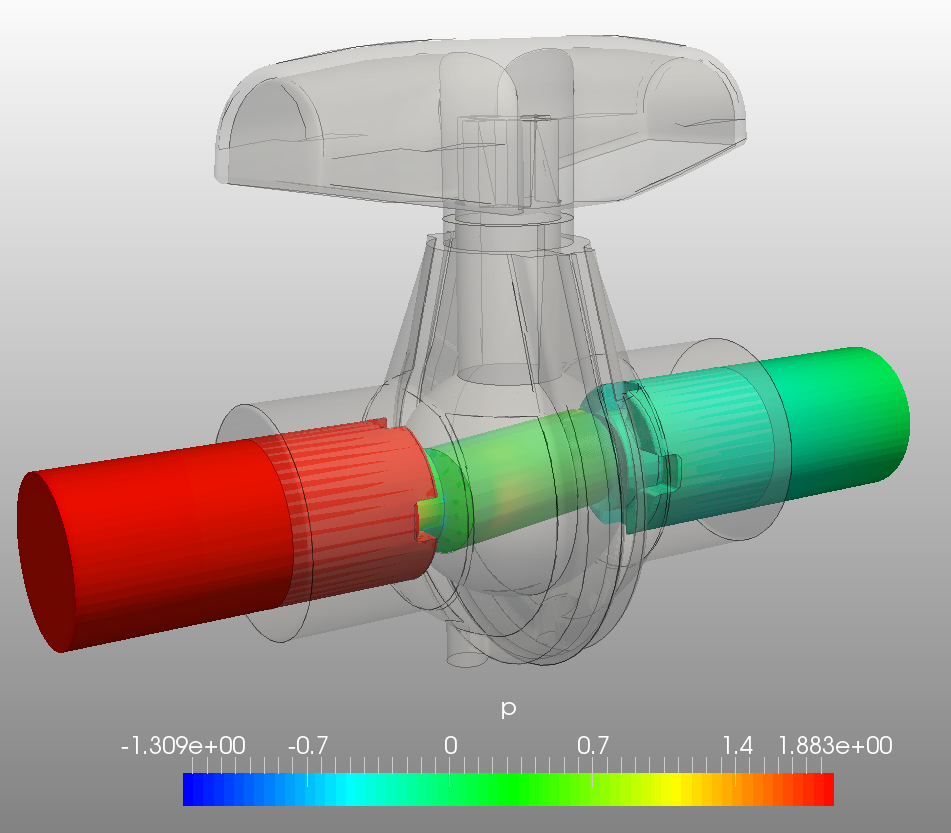
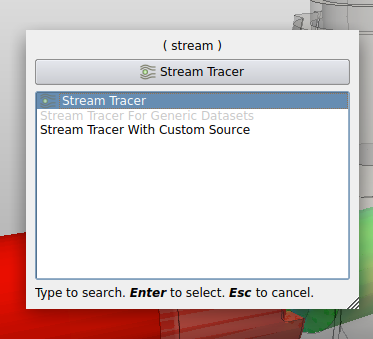
- Now apply the “Stream tracer” filter on this domain (I like to use the short cut Ctrl+Space, which opens a search window - simply type in “Stream” and the Stream tracer filter shows up - but you can also click the button in the top menu)
- Before clicking the green “Apply” button of this filter, check on the “Seeds” settings of it. With these settings you basically choose “from where” stream lines should be computed. So you basically “seed” the streamlines with a couple of points in your domain. Most of the time I choose the “Point source” which means that you define one single point in your domain around which a number of points in a defined radius are being seeded. The “Radius” as well as the “Number of points” can also be chosen in this settings menu.
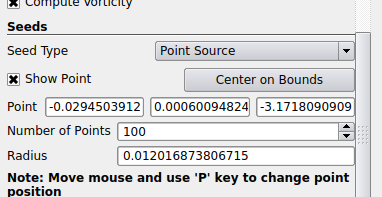
- Paraview also previews where your point is (see the little white cross in the screenshot below). So you can either specify the location of the seed point via the coordinates in the menu or you drag and drop the white cross. In your case, ideally place it in front of your car.
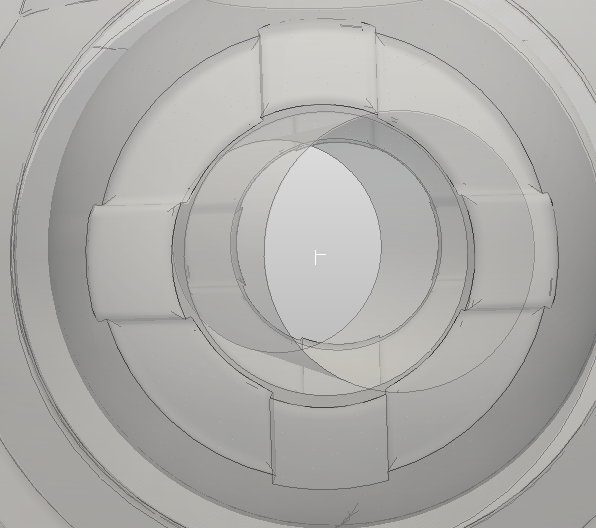
- Once you’re happy with the location, press the apply button
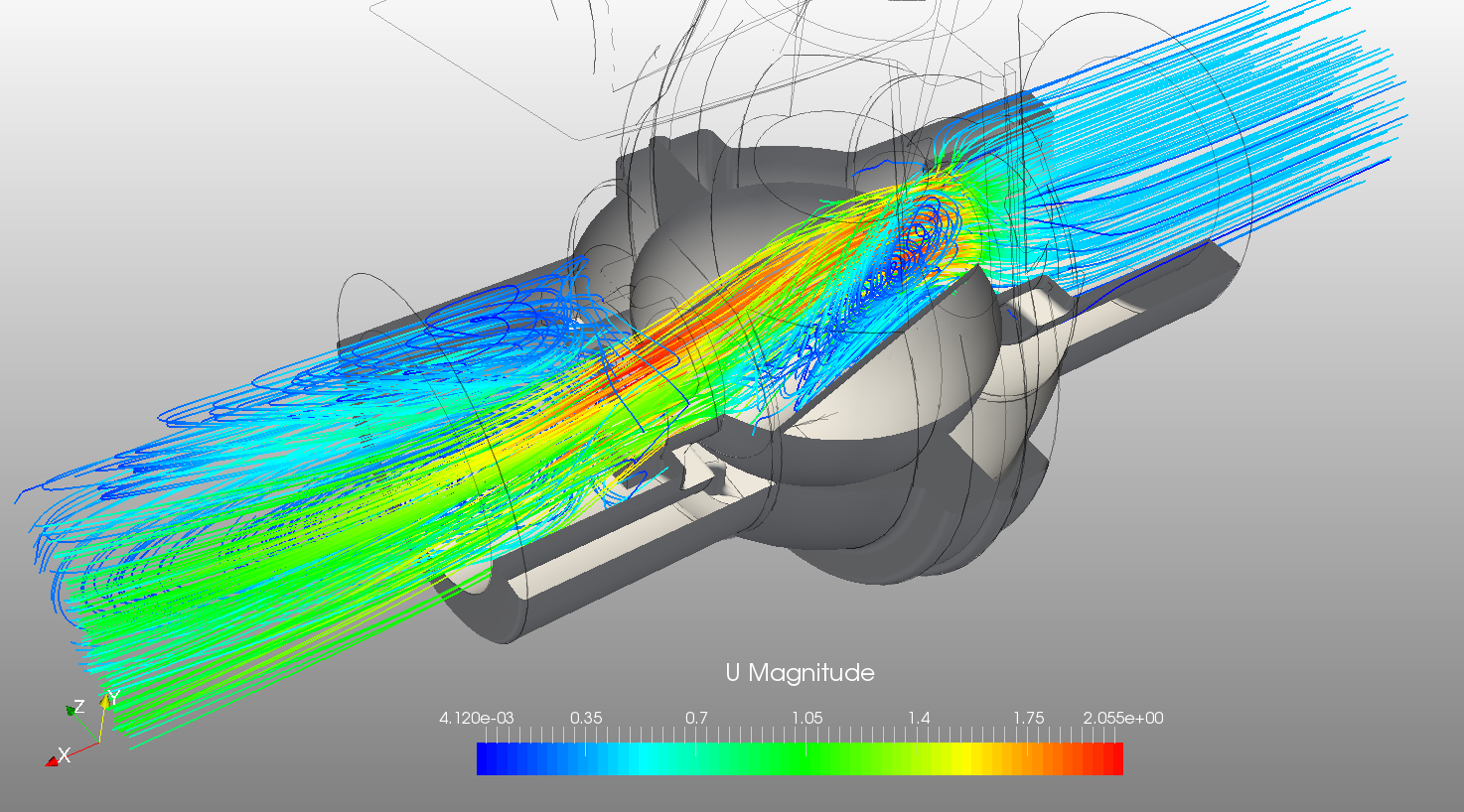
- Depending on the flow pattern, you might want to use multiple point sources to have streamlines going through all interesting parts of the flow domain