How to fill holes in imported .stl geometry?
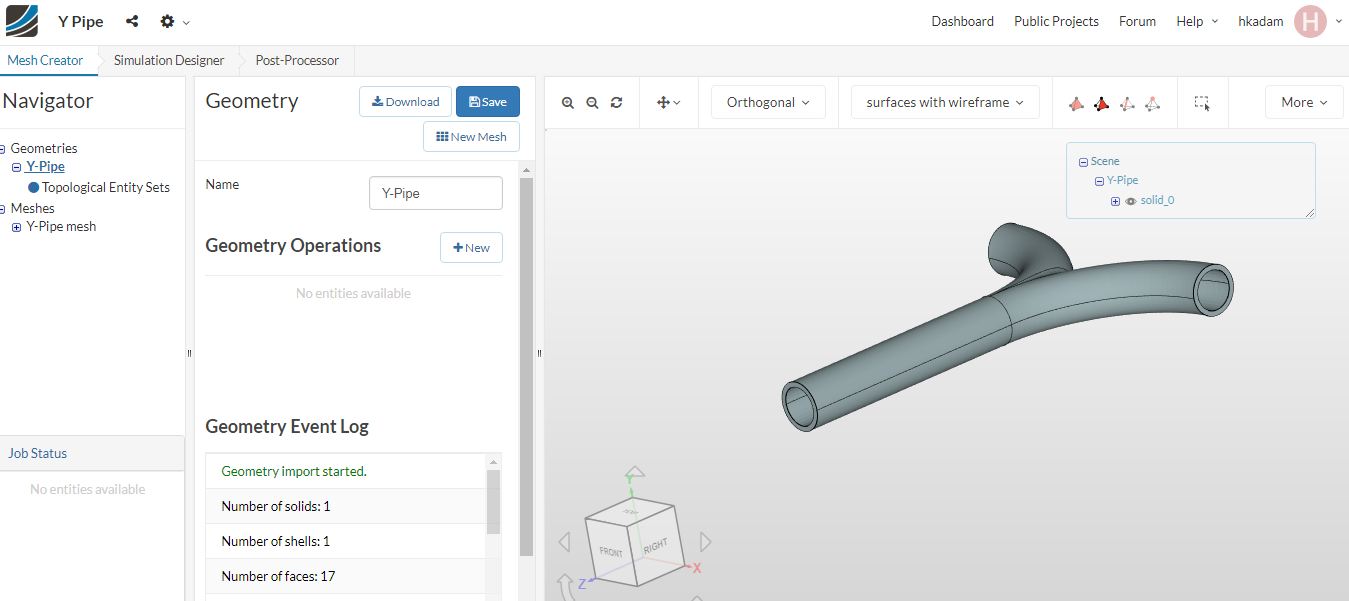
i am not able to assign boundary condition without filling inlet and outlet faces.
Please do needful

How to fill holes in imported .stl geometry?
i am not able to assign boundary condition without filling inlet and outlet faces.
Please do needful
Hey @hkadam,
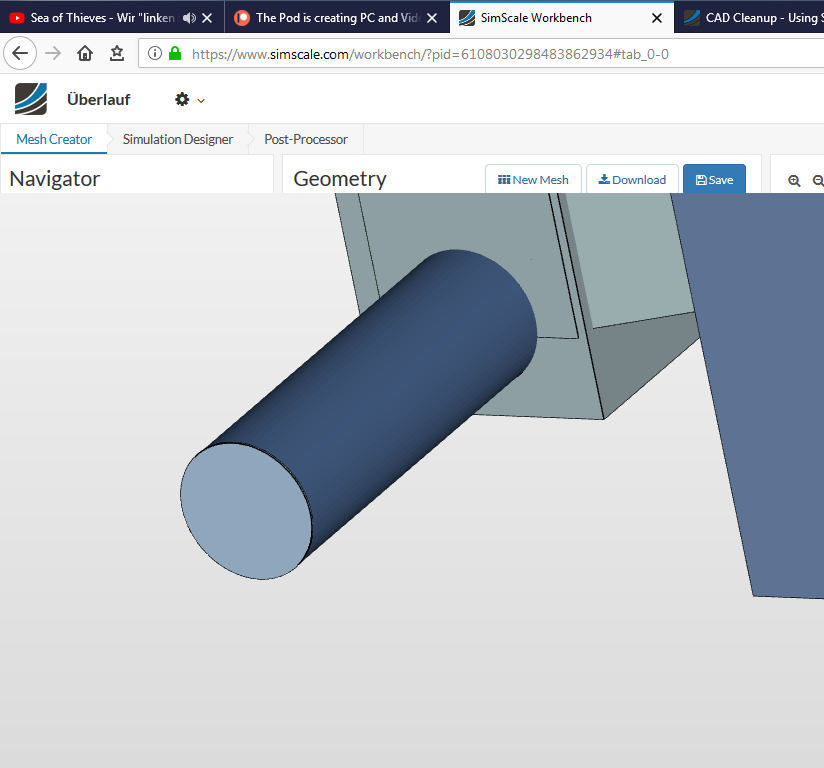
i have learned that the STL import is a little bit problematic. I think the holes have to cover up with a geometry, like this.
Greetz Kai
I have many examples likes this.
It would be great help for me If you suggest any idea on how to fill holes in simscale?
Hi @hkadam!
For your example make sure that the geometry is watertight. For that close every hole so if you would lay your model into a water tub no water could go inside your geometry - hope that makes it a bit easier to understand 
Best,
Jousef
Hi @jousefm ,
How to close hole?
Hi @hkadam,
you can do that with a CAD program of your choice or follow the video by @TobiasHolzmann using Salome:
Best,
Jousef
Hi @jousefm,
Thank you for your valuable suggestions.