websights

Fill out the form to download

Required field
Required field
Required field
Required field
Required field
Required field
Required field
Required field

Thank you. We will contact you shortly.

SOLIDWORKS Simulation in the Cloud

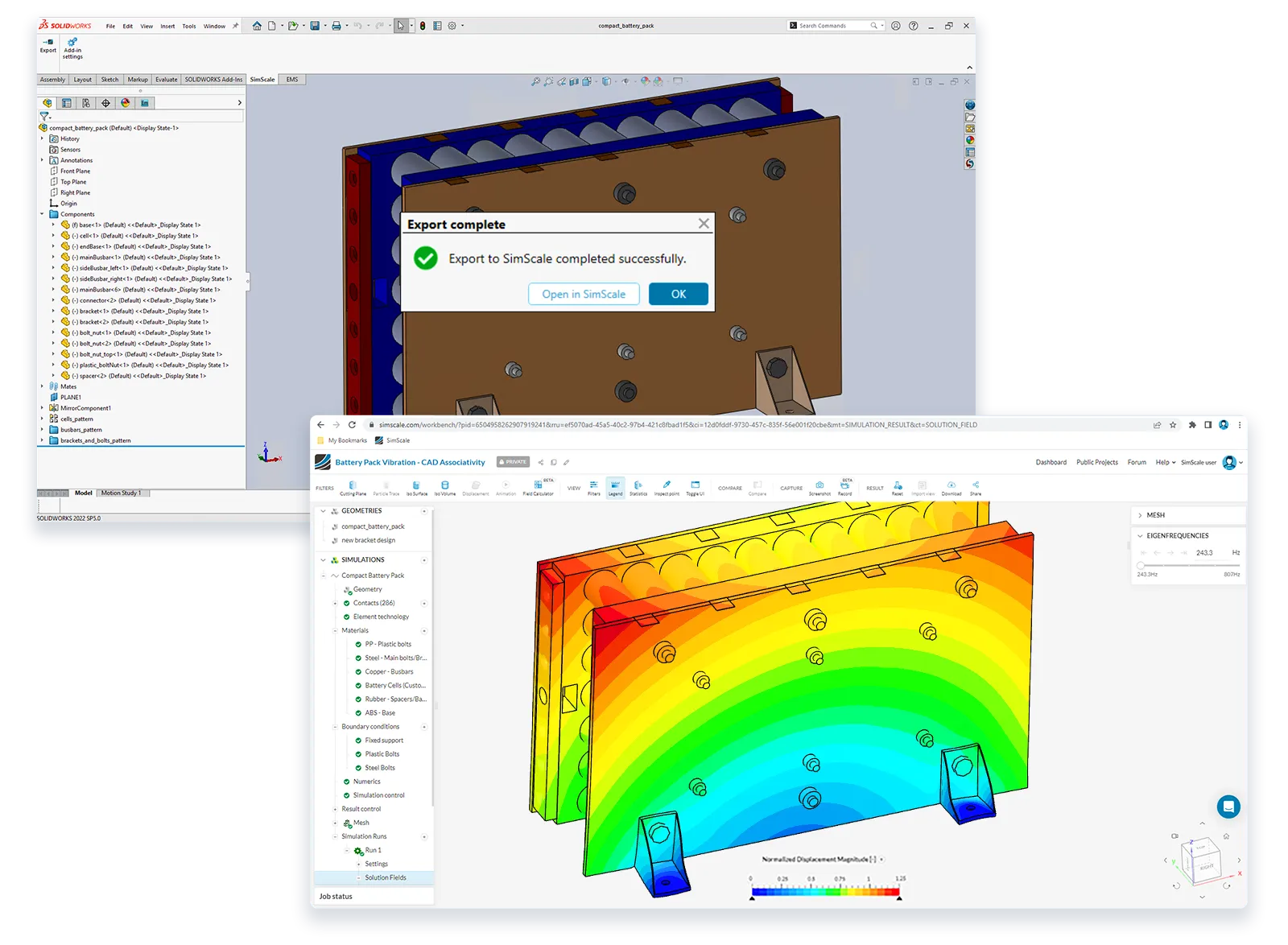
You can simulate native SOLIDWORKS parts and assemblies directly in SimScale while continuing to design on your local computer.

Start Now


G2 Ratings
Capterra Rating
solidworks simulation
zaha hadid architects logo
aecom logo
mitsubishi logo
toshiba logo
Magna Logo
thornton tomasetti logo
sweco logo
aqseptence group logo
johnson & johnson logo
Nobel logo
bucher municipal logo
bühler logo
zaha hadid architects logo
aecom logo
mitsubishi logo
Magna Logo
thornton tomasetti logo
sweco logo
aqseptence group logo
johnson & johnson logo
Nobel logo
bucher municipal logo
bühler logo

Simulate SOLIDWORKS models in 3 steps

import solidworks
1

Import your design

Save SOLIDWORKS models in their native file formats and directly upload them to SimScale.
simulation setup
2

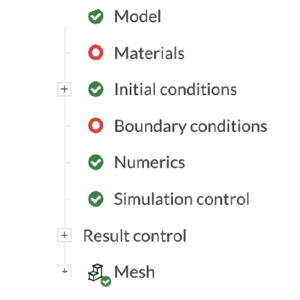
Cloud-native simulation setup

Set up and run sophisticated multiphysics simulations.
post-process results
3

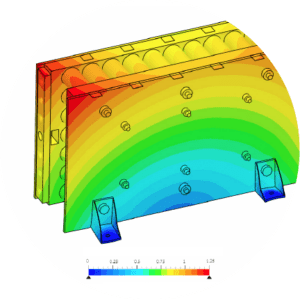
Post-process results

Analyze your simulation results with SimScale’s integrated online post-processor.
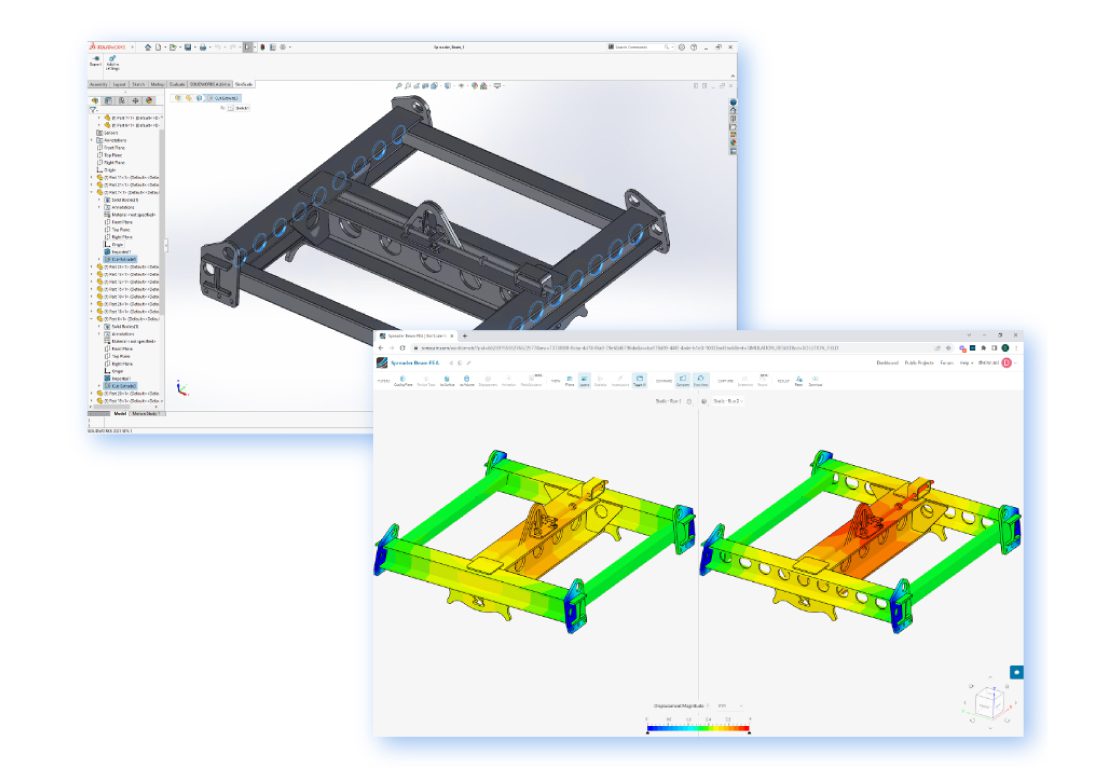
Seamless Workflow

Your computer is free for design work while your simulations run in the cloud

Simply upload your files into SimScale – there will be no translation losses. When you’re ready, launch your simulation.
New design versions are associatively imported into SOLIDWORKS, retaining simulation settings for a fast iterative design process.

Zero hardware or software footprint

With SimScale, investing in expensive high-performance computing hardware and caring for software installation and maintenance are a thing of the past.

low upfront investment

Low upfront investment

Save on thousands of dollars by cutting the cost of expensive hardware and software maintenance fees.

no installation or maintenance

No installation or maintenance

Connect to the Internet and run demanding simulations on any laptop or PC. We take care of software updates for you in the background.

easy setup

Easy setup

With our simple workflow and ready-to-use simulation templates and tutorials, you never have to start from scratch.


The biggest benefit that we see from the workflow with SOLIDWORKS comes from the CAD associativity. The associativity between SimScale and SOLIDWORKS significantly speeds up our simulation process and simplifies our fast design iterations. This is because it reduces the number of clicks and checks required to set up simulations following a design change. With it, we can direct our focus more towards the simulation results and design innovation.

Dr. Alessandro Scafato, Development Engineer at ANYbotics

Dr. Alessandro Scafato

Team Lead, Hardware Verification Engineering at ANYbotics

Set up your own Solidworks simulation in your web browser and test SimScale. No installation, special hardware or payment information is required.

Community

Free for testing & learning

Free
  • Selected analysis types
  • 10 unrestricted simulations
  • Up to 3000 core hours
Sign Up

Mechanical

For structural & thermal simulation work

Custom
  • All from ‘Community’, plus:
  • Private Projects
  • All Standard Structural & Thermal Analysis Types
  • Live Support
Request Pricing

Professional

For higher fidelity simulation work

Custom
  • All from ‘Community’, plus:
  • Private Projects
  • All Standard Analysis Types
  • Custom computing quota included
  • Live Support
Request Pricing

Enterprise

For broad simulation roll-outs

Custom
  • All from ‘Professional’, plus:
  • Engineering AI
  • Physics AI
  • Dedicated API support
Request Pricing