
Run multiple simulations in parallel and test your designs with cloud-native heat transfer from SimScale.
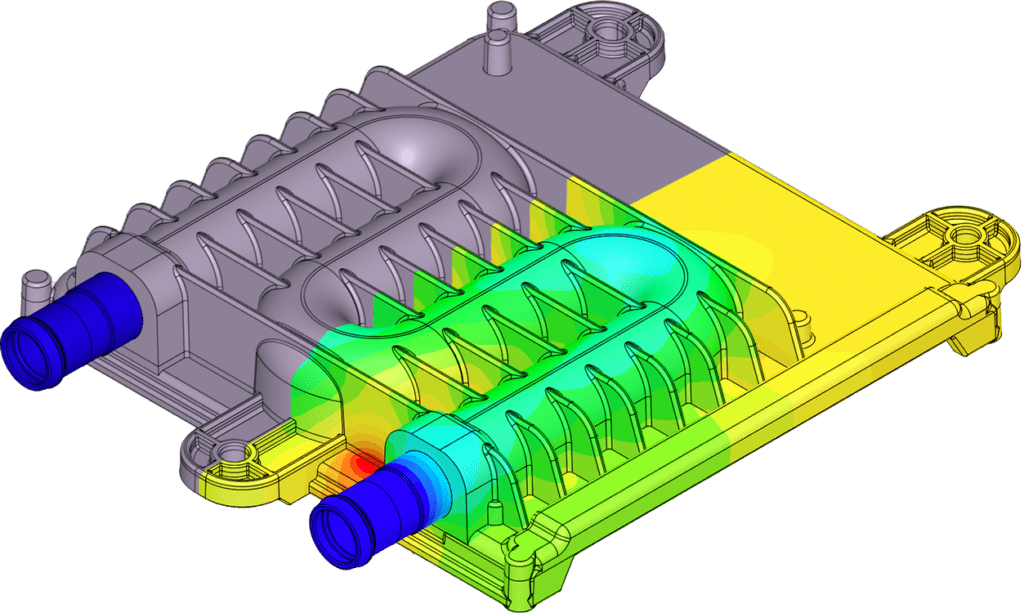








SimScale imports SOLIDWORKS, Fusion 360, CREO, Onshape, and other common files. Meshing is automatic.
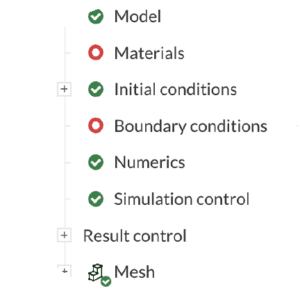
Choose your simulation type, set your conditions, and start simulating!
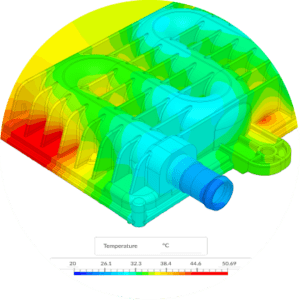
Analyze your simulation results with SimScale’s integrated online post-processor.
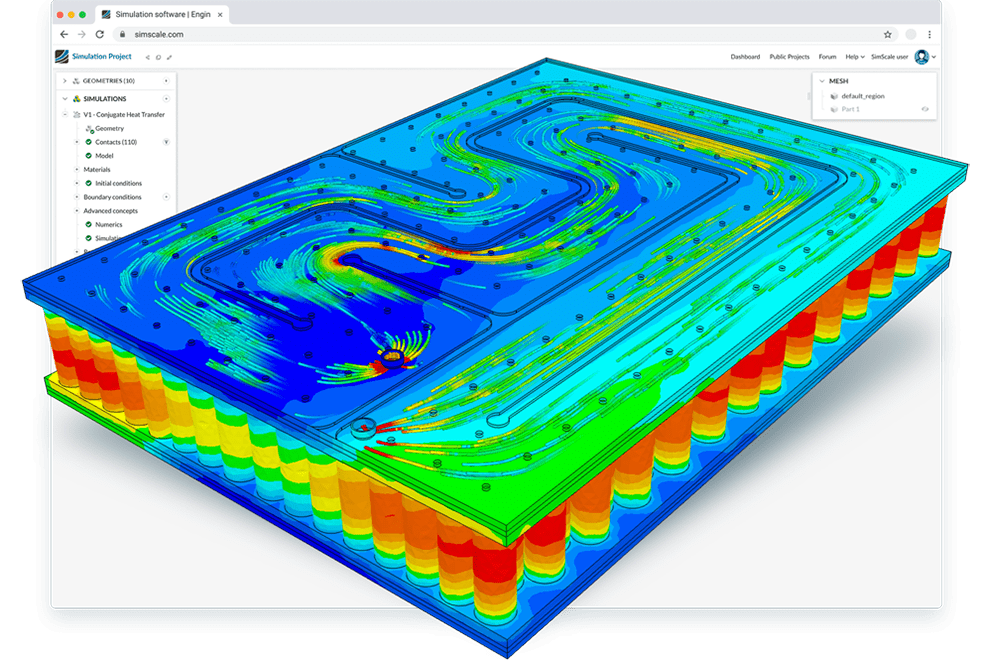
SimScale provides online heat transfer software that you can use to boost the performance of heat transfer designs. Assess multiple design versions in parallel and quickly identify the most efficient one with CFD or FEA, and test heat transfer in fluids or solids, by using radiation, conduction, or convection simulation. Cloud-based heat transfer analysis helps professionals collaborate with their partners, validate their designs, and optimize their products, all from a web browser.
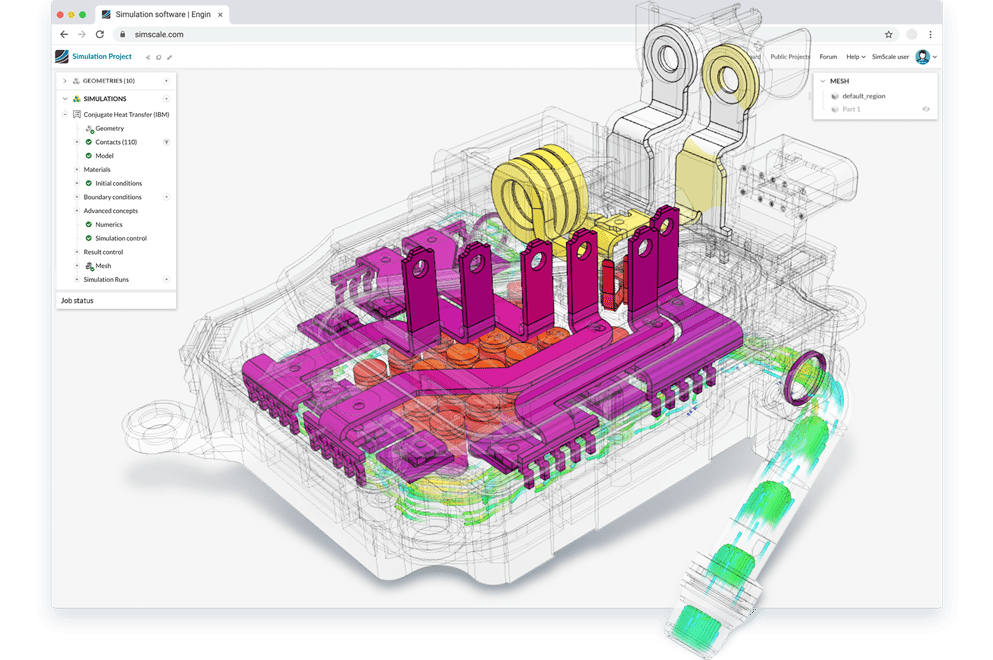
SimScale now comes with easy meshing for even intricate CAD models enabling engineers to focus on analysis and design rather than cleaning CAD geometry. The Immersed Boundary Method (IBM) is based on a cartesian grid in which the geometry is immersed, making the mesh resilient to geometrical details and not requiring CAD simplification. The salient features of this approach include very flexible mesh sizing for all levels of CAD complexity, automatic defeaturing of small geometrical details, perfect hexahedral meshes, and mesh refinements that are physics-based instead of geometry-based.
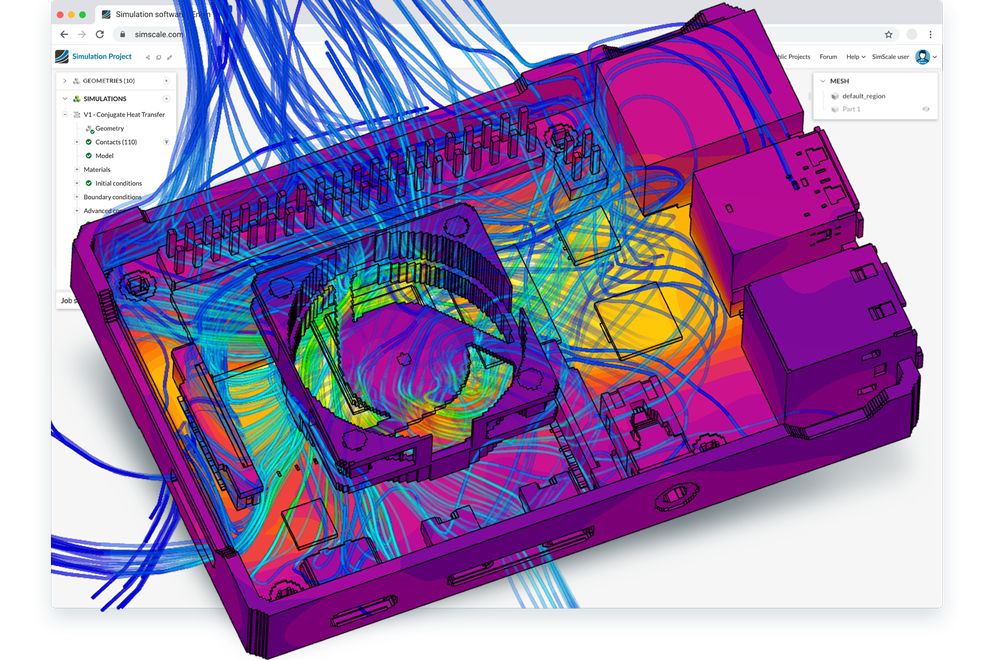
Rather than modeling the fan in detail, there are several easier methods to replicate the performance of fans which are much faster and a fan curve can still be applied:
Accurate cloud-native heat transfer simulation allows you to evaluate alternative design iterations simultaneously and fast, without the need of downloading and installing any software from your desktop. With SimScale, engineers can easily access, evaluate, and get results from a heat transfer analysis online, with 3D visualization available every step of the way.
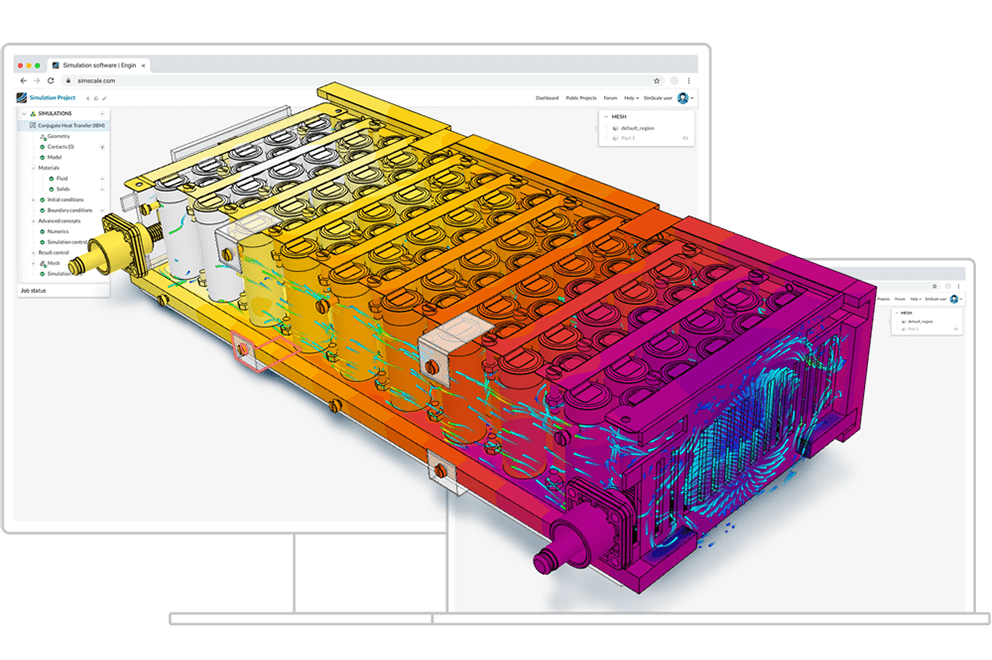
With SimScale, investing in expensive high-performance computing hardware and caring for software installation and maintenance are a thing of the past.

Save on thousands of dollars by cutting the cost of expensive hardware and software maintenance fees.

Connect to the Internet and run demanding simulations on any laptop or PC. We take care of software updates for you in the background.

With our simple workflow and ready-to-use simulation templates and tutorials, you never have to start from scratch.
Free for testing & learning
For higher fidelity simulation work
For team collaboration
For broad simulation roll-outs
Sign up for SimScale
and start simulating now