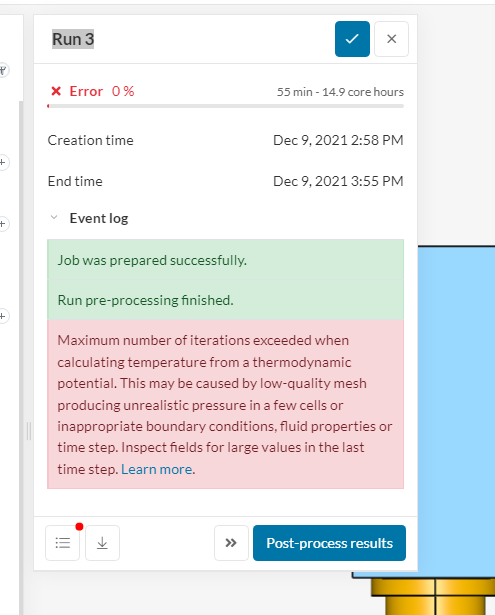
I’m trying to create a simulation with two fans in a box, currently the mesh takes about 108 minutes to process, and the simulation gives the following error when I try to run it:
Eventually I would like to put the core from the project below into the box with the fans to create a cross flow
I was wondering if there could be a way to either simulate the cross flow without the fans, or make the current model with the fans less computationally expensive(and run)?
Is there a reason to use the conjugate heat transfer analysis type? If you are mostly interested in the results within the flow region, you could use a “Convective heat transfer” simulation. It would also allow you to save a lot of resources. Note that you’d have to delete all solid parts, and only have the flow region + rotating zone volumes for a convective heat transfer simulation
Thank you for your help! Unfortunately I’m trying to find the temperature of the steel box so I can’t avoid using conjugate heat transfer…Also, I’ve been trying to improve the mesh using the guide for a few of my projects, but do you have any other suggestions for improving the mesh, I’ve found that increasing the ‘Gap refinement factor’ works well but it also increases the mesh time by quite a bit. I’m still quite new to CFD so any suggestions will be appreciated.
As far as mesh settings go, playing with the gap refinement factor/small feature suppression settings, and applying refinement to the poor mesh quality regions help. It may take some testing, of course.
As a personal preference, if I see that the poor mesh cells are developing in a region where the CAD model looks dirty, I like to clean up the CAD model around the problematic regions instead of attempting to change the mesh settings. Removing small gaps, removing small faces, simplifying complex topology, all of these help.
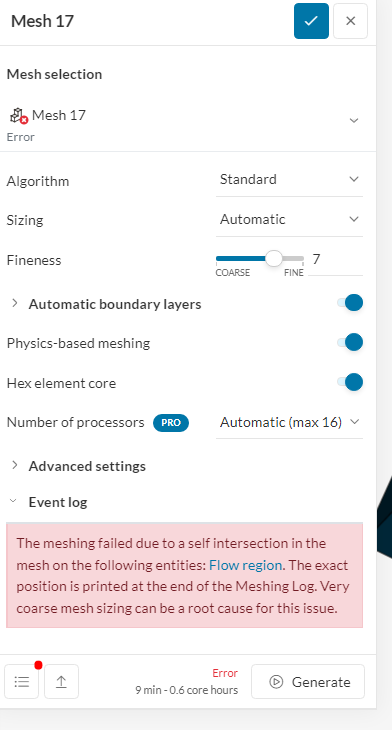
Have you followed the hints in the error message? The coordinates of the issue are printed in the meshing log - you can create a probe point and have a look. Is there anything odd in the CAD model close to the error coordinates?
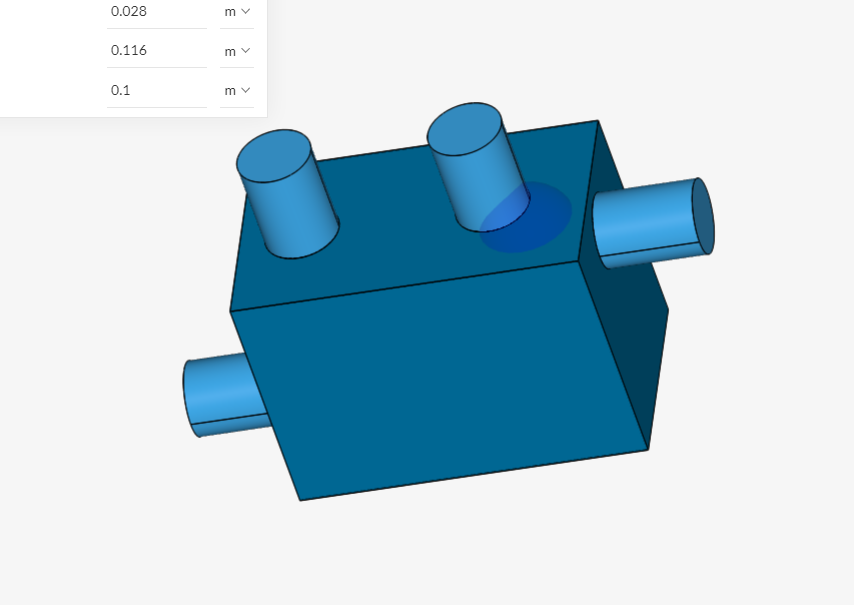
I put a sphere there to see the position(in the image below), but there wasn’t anything that stood out about the geometry in that area. I have had no problem with that area in the other projects. So my guess is that my fan geometry is affecting it somehow?
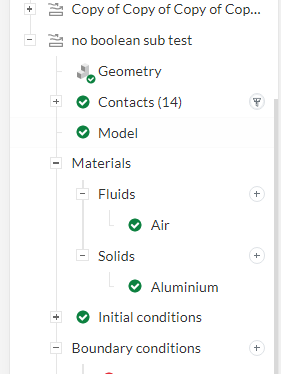
I have recently discovered that the rotating geometry is supposed to be solid, so I changed my current geometry in the hopes that it would fix my current issue but now the number of contacts is wrong.